On this page
Before starting a testing cycle, there are a few things you can do to ensure testers can effectively evaluate your app. Proper preparation leads to more useful feedback.
Put your app on a Google Play testing track
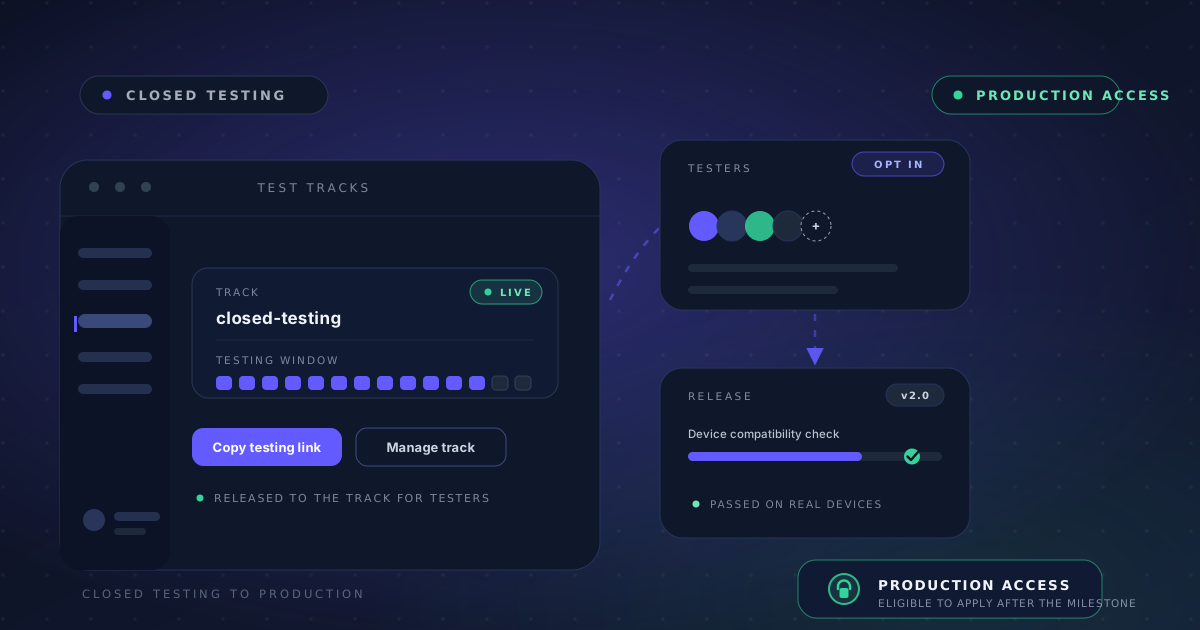
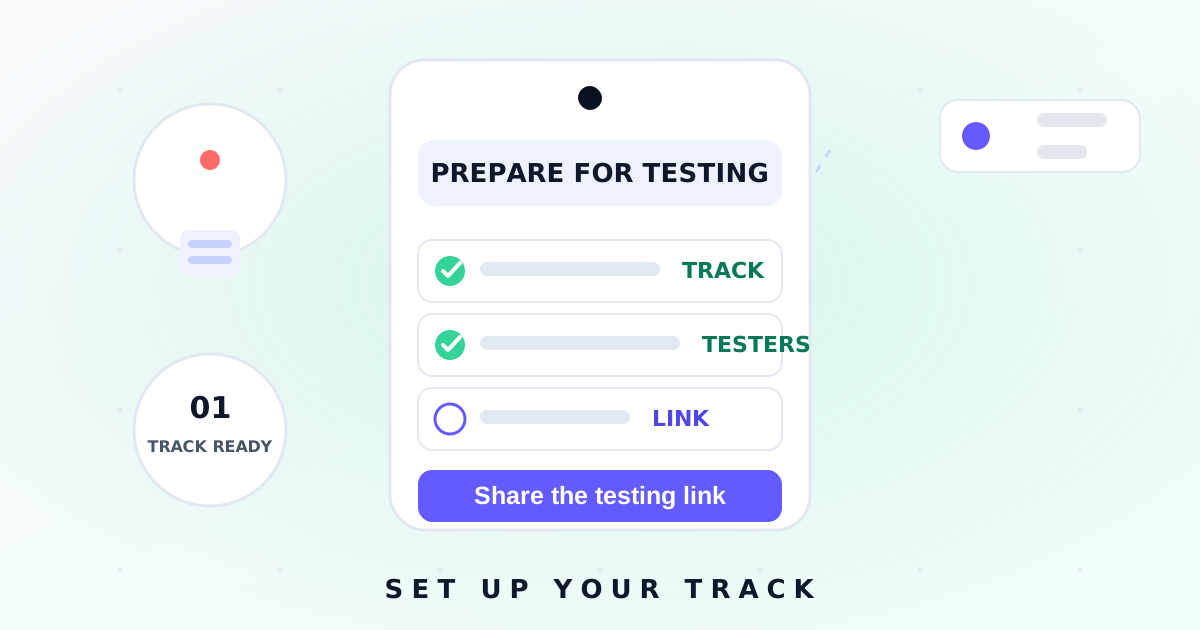
Make sure your app is available on a Google Play testing track — closed testing for pre-release versions, or an internal test track for a small early group. For testing with AppsTestLab, add appstestlab@googlegroups.com to the testers section of the track, save the configuration, and copy the testing link to share with us on WhatsApp. No APK or AAB files are needed. Ensure the release is stable enough for extended use.
Tell testers what matters
Write a brief description of what to test. Core features, specific areas of concern, or particular user flows — any context helps testers focus their efforts where it matters most.
Prepare accounts and hardware notes
If your app requires login credentials, prepare test accounts. If it needs specific hardware features like camera or GPS, note these requirements. The more context you provide, the more targeted the feedback.
Know your audience
Finally, consider your app's target audience. Knowing who the app is for helps testers provide feedback from the right perspective — whether that's casual users, power users, or enterprise customers.