On this page
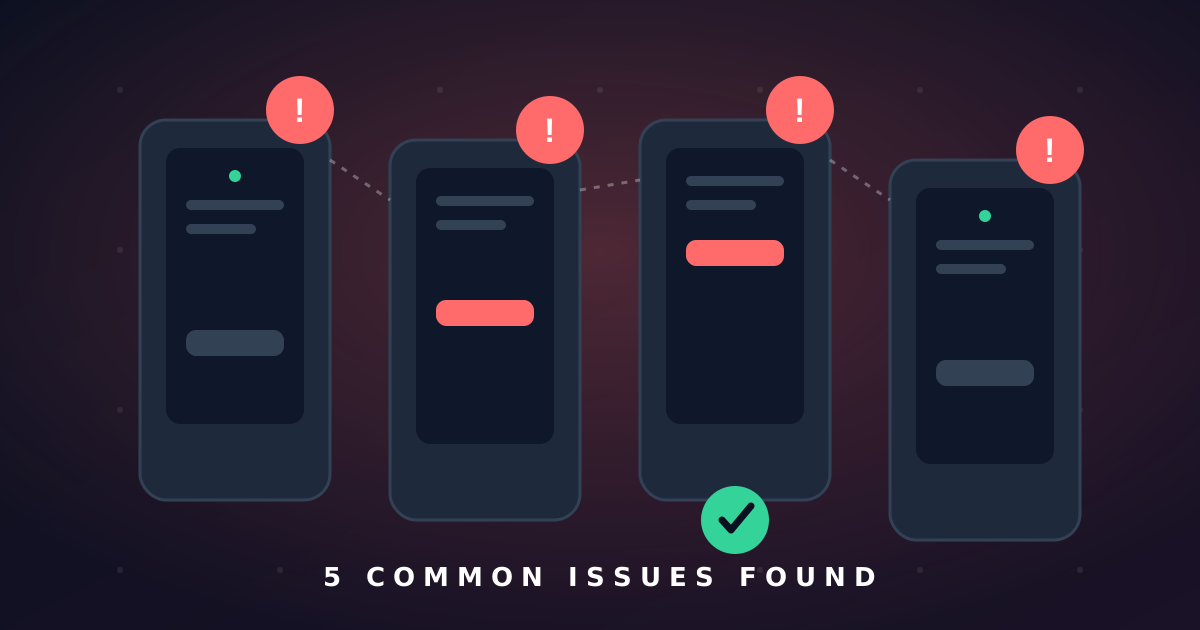
Through coordinating thousands of testing hours, we've identified recurring issues that appear across many Android apps. Here are the five most common problems and how to address them.
1. Device-Specific Crashes
Apps that work on one device may crash on another. This often relates to screen size, Android version, or manufacturer-specific customizations. Test across multiple device types early.
2. Performance Issues on Low-End Devices
Features that run smoothly on flagship phones may lag on budget devices. Optimize for the lowest common denominator and test on a range of hardware.
3. Poor Offline Behavior
Many apps assume constant connectivity. Test what happens when the network drops — does the app crash, hang, or gracefully degrade?
4. Accessibility Gaps
Small touch targets, poor contrast, and missing content descriptions exclude users. Basic accessibility testing catches the most impactful issues.
5. Inconsistent UI Across Screen Sizes
Layouts that look great on one screen size may break on another. Use responsive layouts and test on multiple screen dimensions.