
On this page
The honest answer to 'how long does closed testing take' is that the 14 days are the only part Google publishes. Everything else, from release review to recruitment, depends on your setup. Treat this guide as a planning estimate rather than an official figure, and build slack into any launch date that depends on it.
The five stages of a closed test
- Setup and first upload: creating the track, adding the feedback channel, uploading your Android App Bundle.
- Release review: Google reviews the release before it goes live to your testers, and testing-track reviews have no published turnaround.
- Recruiting and opt-in: getting 12 or more real people to complete opt-in through the link.
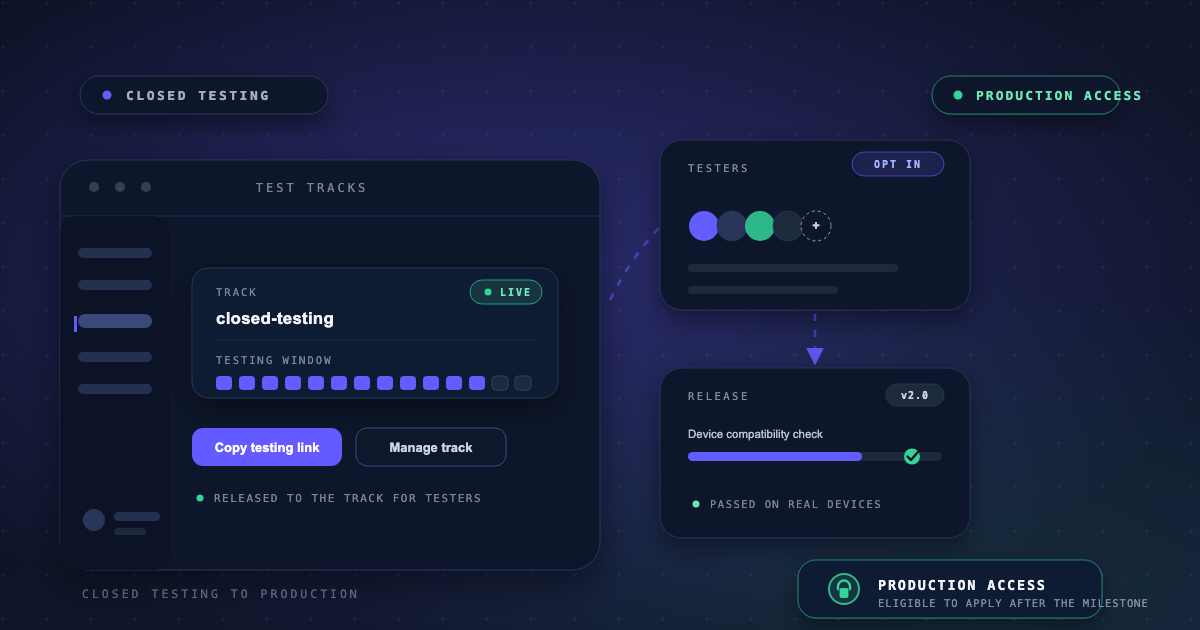
- The 14-day window: at least 12 testers opted in continuously for at least 14 days.
- Production access application and review, then your production release and its own review.
A sample schedule you can plan around
What makes the timeline longer
- Slow recruitment: you cannot start the 14-day clock until 12 testers are actually opted in.
- Opt-outs mid-window: a drop below 12 means the replacement needs their own 14 continuous days.
- Rejected releases: fixes plus re-review consume window days.
- An incomplete questionnaire: a returned application sends you back for more testing.
- Outstanding parallel tasks: device verification for new personal accounts also gates your launch.
How to compress the schedule honestly
Everything except review time is under your control. Recruit before your release publishes so opt-ins start the moment the link appears, keep a buffer above 12 so churn never restarts the clock, and batch fixes instead of pushing a new build for every report. The developers who finish fastest are the ones who front-load recruitment and then leave the track alone.
If your launch date is fixed and the schedule cannot slip, that is the situation managed services exist for. AppsTestLab runs recruitment and the full 14-day window as a coordinated process, so the parts of the timeline that usually drift are handled by people doing this every day.
Frequently asked questions
Is the 14-day window exactly 14 days from upload?
No. It is 14 days of continuous opt-in for at least 12 testers. The clock effectively begins when your 12th tester opts in, not when you uploaded the release.
How long does the production access review take?
Google says reviews are usually completed within 7 days or less after you submit the production access questionnaire.
How long will the closed test itself take?
Plan for roughly a month from setup to production access decision as a working estimate, accounting for release review, recruitment, the 14-day window, and the questionnaire review.
Can I run recruitment during the release review?
Yes, and you should. Recruiting and warming up testers while Google reviews your release is the easiest way to save days, since the opt-in link only appears once the release publishes.
Sources & references
Official Google documentation- App testing requirements for new personal developer accountssupport.google.com
- Set up an open, closed, or internal testsupport.google.com
- Prepare and roll out a releasesupport.google.com
These links open Google's official Play Console Help pages used to verify this guide. AppsTestLab guidance is independent and not affiliated with Google.
Get help doing this