
On this page
Usability testing is simple to explain: give real people tasks to complete on your app and watch what happens. It finds the problems that bug reports never mention, like users who cannot locate the feature they installed the app for, or who quietly abandon a flow halfway. This guide covers how to plan, run, and act on sessions without a research background.
What usability testing answers
It answers whether people can accomplish what they came to do, where they hesitate, and what they misunderstand. It is deliberately different from testing that asks whether a button crashes, and different again from surveys that ask whether someone likes your app. Watching behavior in the moment is what makes the findings actionable.
Plan before you recruit
- Pick a handful of tasks, three to five is plenty, that represent what the app is for: find content, create an account, complete a purchase.
- Write tasks as goals, not instructions. Say find a recipe for dinner rather than tap the search icon, because instructions hide the exact confusion you are trying to observe.
- Choose a format: a moderated session in person or over video, or an unmoderated run where participants record themselves.
- Prepare a stable build with test data and accounts, so nobody loses session time to a setup problem.
- Recruit people who resemble your audience. Team members and friends already know the app, which makes their sessions flattering and useless.
Running the session
Set the frame
Tell participants they are testing the app, not themselves, and that you are not allowed to help. Ask them to think aloud, saying what they expect before each tap. This one request doubles what you learn from every session.
Stay quiet and take notes
When they stall, let the silence run. The pause is the finding. Record where each person hesitated, what they said they expected, and where they ended up instead.
Debrief at the end
Once tasks are done, ask what felt confusing and what they expected to find but did not. Open questions here produce the phrasing you need for clearer labels and copy.
Turning observations into fixes
After the sessions, list every point where someone stalled, went the wrong way, or asked a question out loud. Group the list by location in the app. When several participants stumble at the same spot, that is a design problem, not a user problem, and it goes into the backlog with a note describing exactly what each person tried.
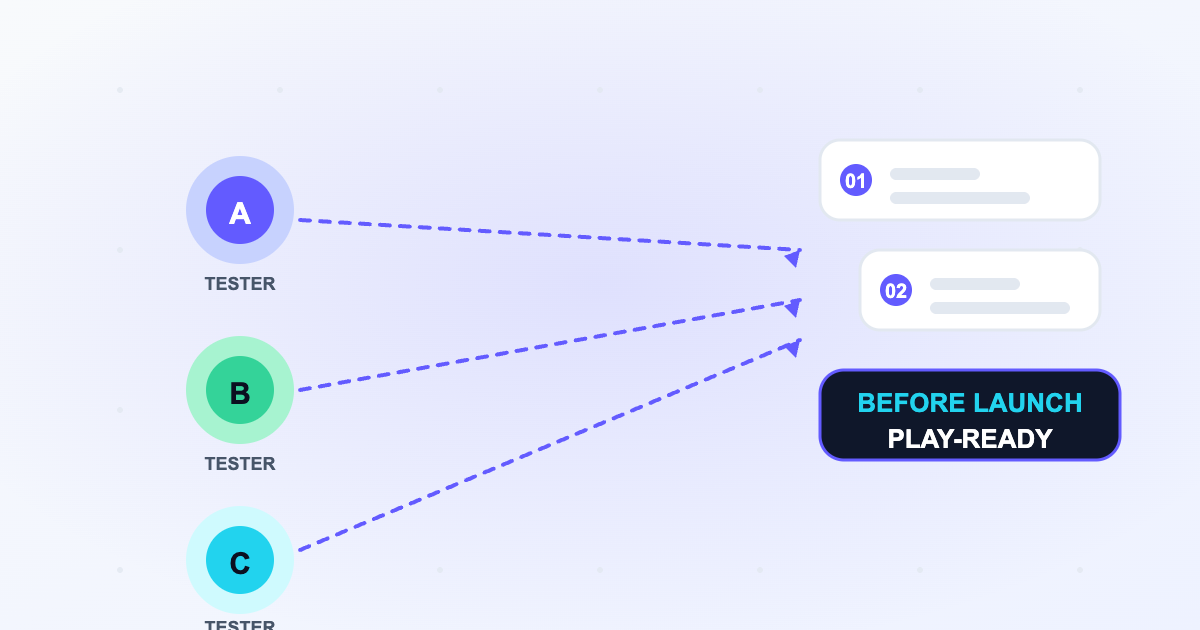
Distribution is the part teams underestimate: getting a build in front of people who match your audience takes structure. AppsTestLab supports this by organizing Google Play testing programs where recruited testers install your app through a testing track and feed observations back in a form you can act on.
Frequently asked questions
Frequently asked questions
How many participants do I need?
Small rounds still surface the major problems, which is why practitioners often run a handful of sessions per round and repeat them. Adding more people to one round reveals fewer new issues than running another round after changes.
Usability testing or A/B testing first?
Usability testing. A/B tests measure which of two designs performs better, while sessions tell you why users struggle in the first place and what to change before choosing between variants.
Sources & references
Official Google documentation- Set up an open, closed, or internal testsupport.google.com
- Android testing guidesdeveloper.android.com
These links open Google's official Play Console Help pages used to verify this guide. AppsTestLab guidance is independent and not affiliated with Google.
Get help doing this